Quaid quietly remembers the places you stop — and builds a timeline of your days. All on your iPhone. None of it anywhere else.
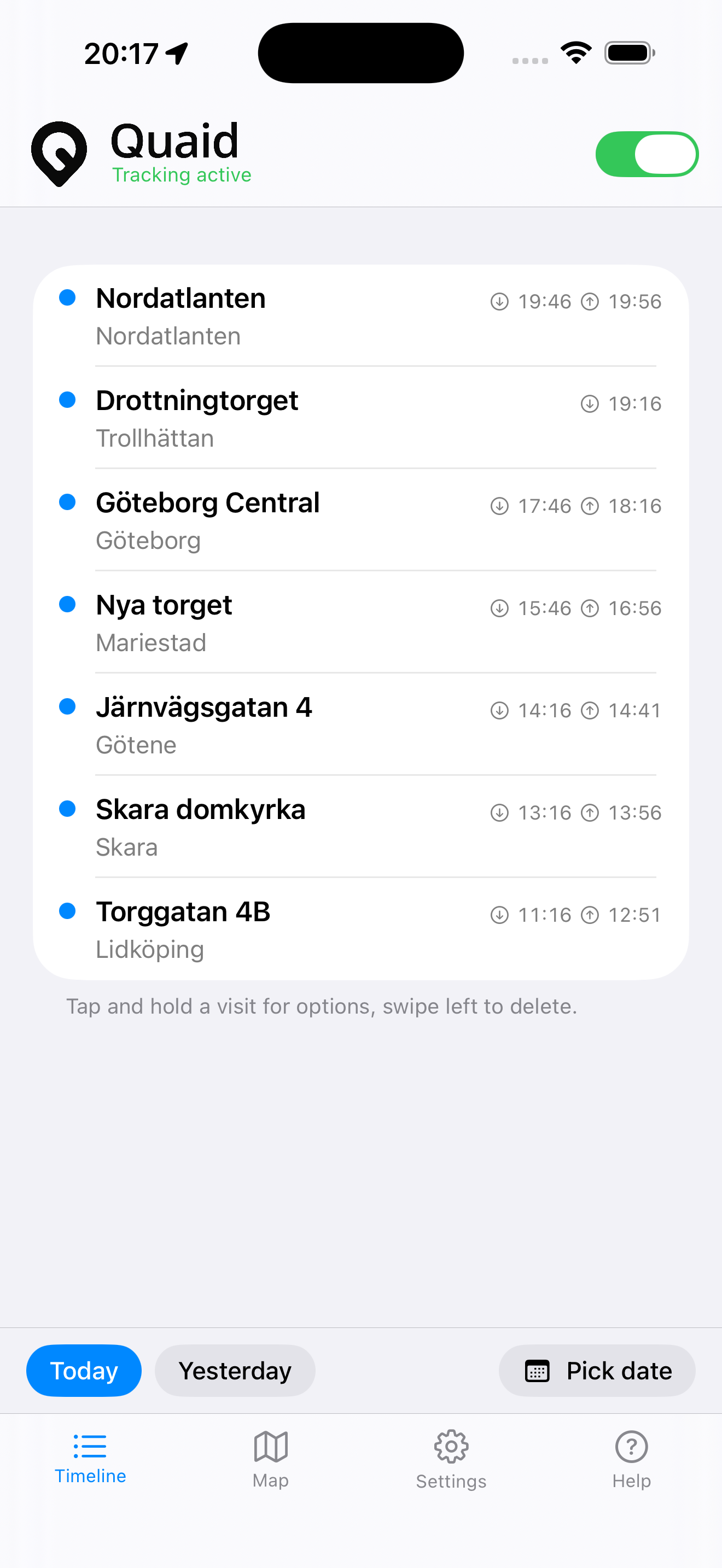
Quaid uses your iPhone’s built-in visit detection to notice where you stop. No check-ins, no manual logging — just a timeline that fills itself in.
Your day, newest first — with arrival and departure times and how long you stayed. Tap any visit to see it on the map.
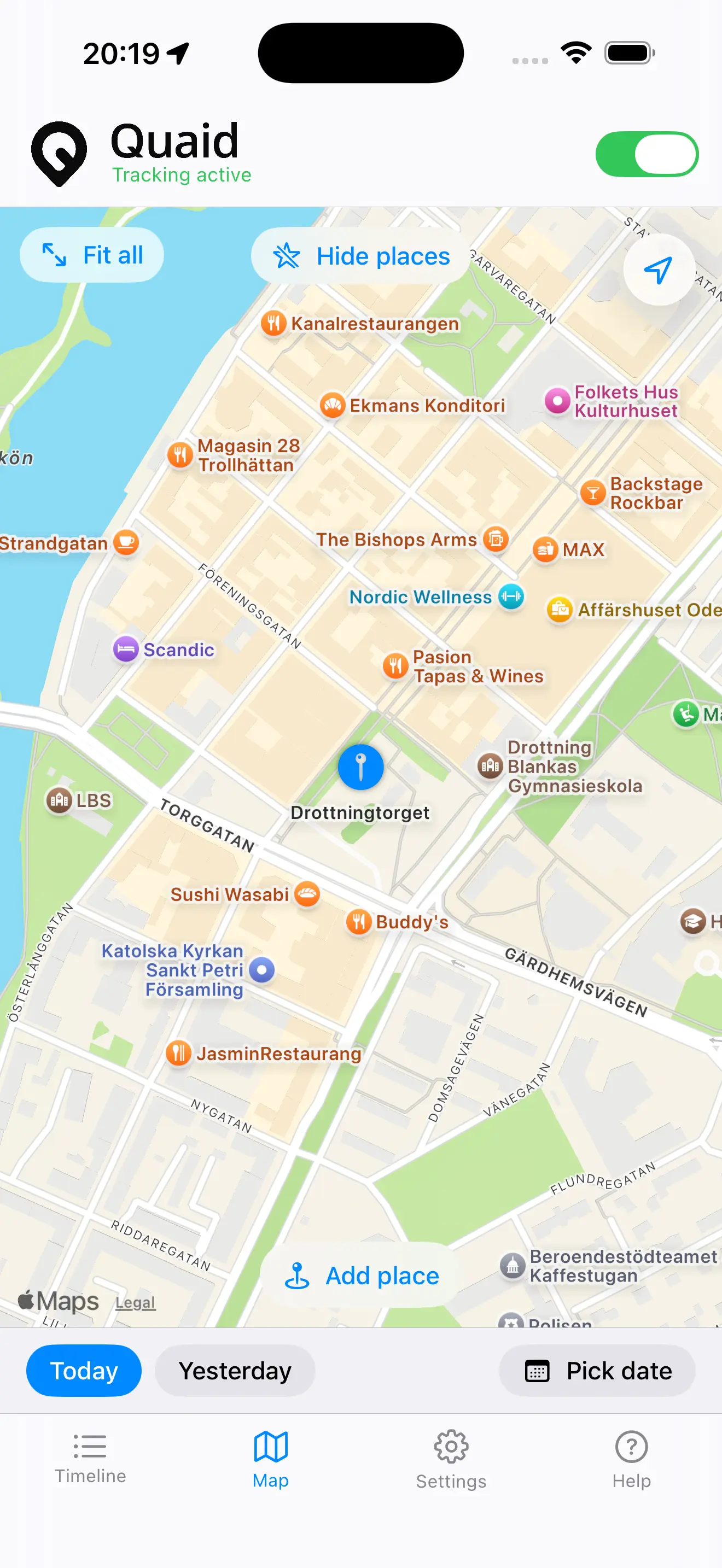
Every visit as a pin. Frame the whole day at once, or focus a single stop. Your saved places sit right alongside.
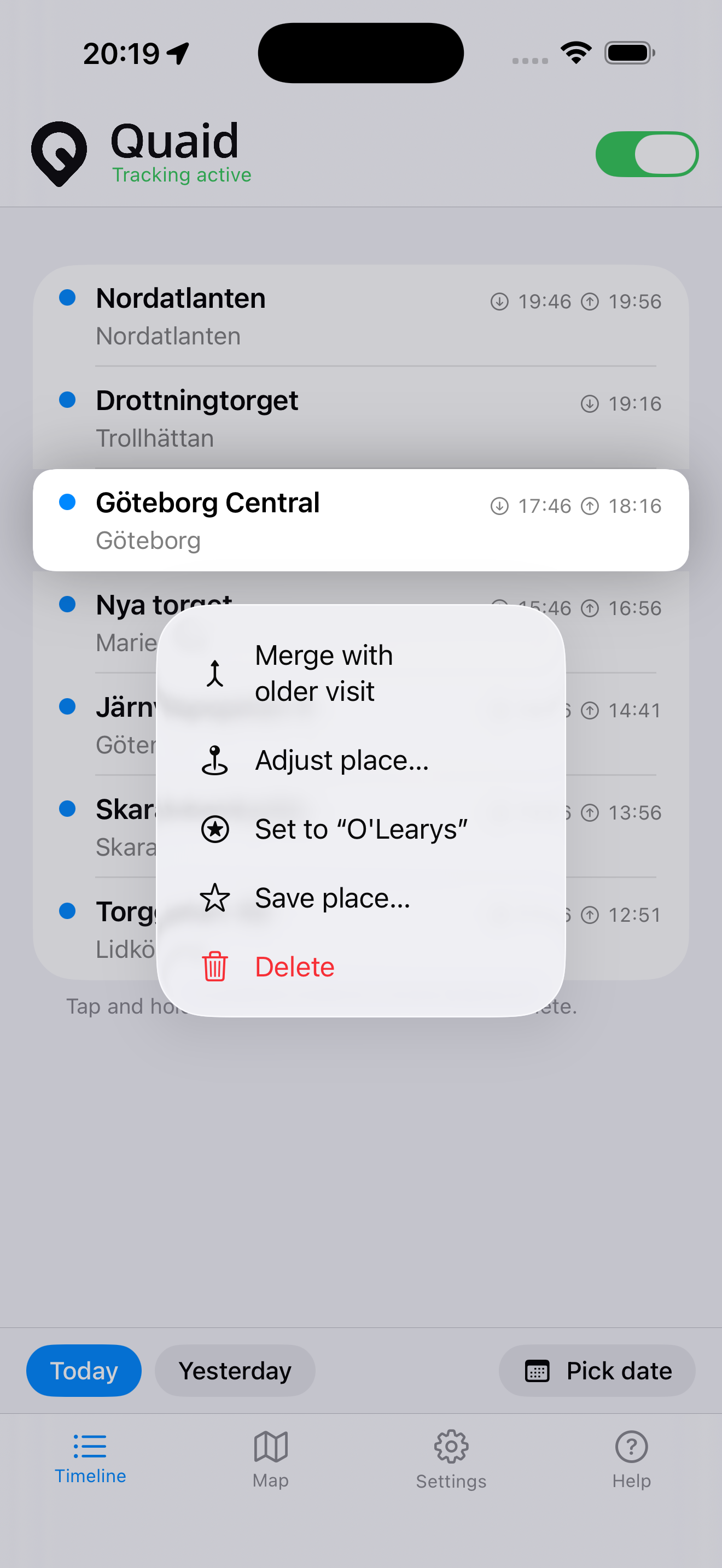
Visit detection is built into iOS, so now and then it misses a stop or adds an extra. Merge, delete, mark as departed, or save a spot as a named place — right from the list.
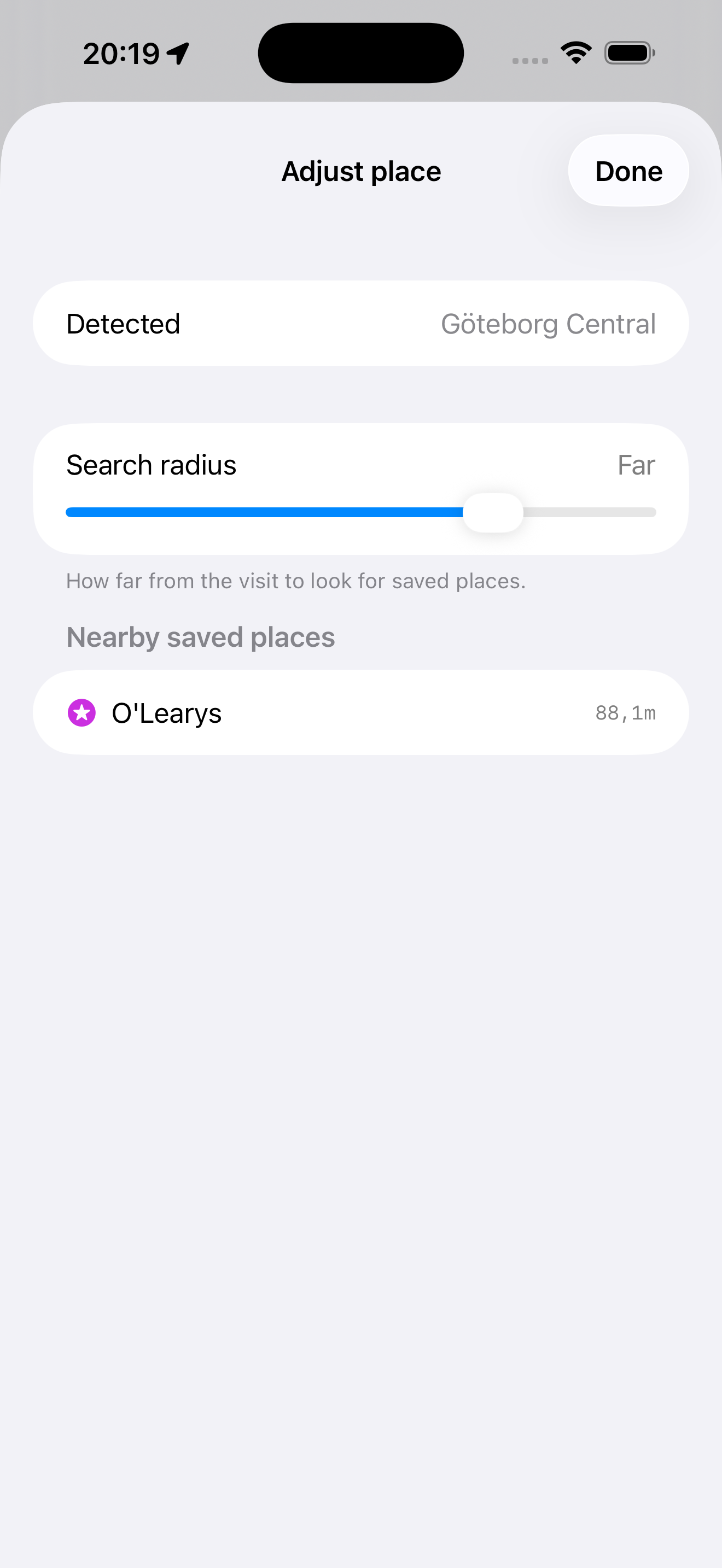
When a detected spot is a little off, point the visit at one of your own saved places. The original location is always kept — nothing is lost.
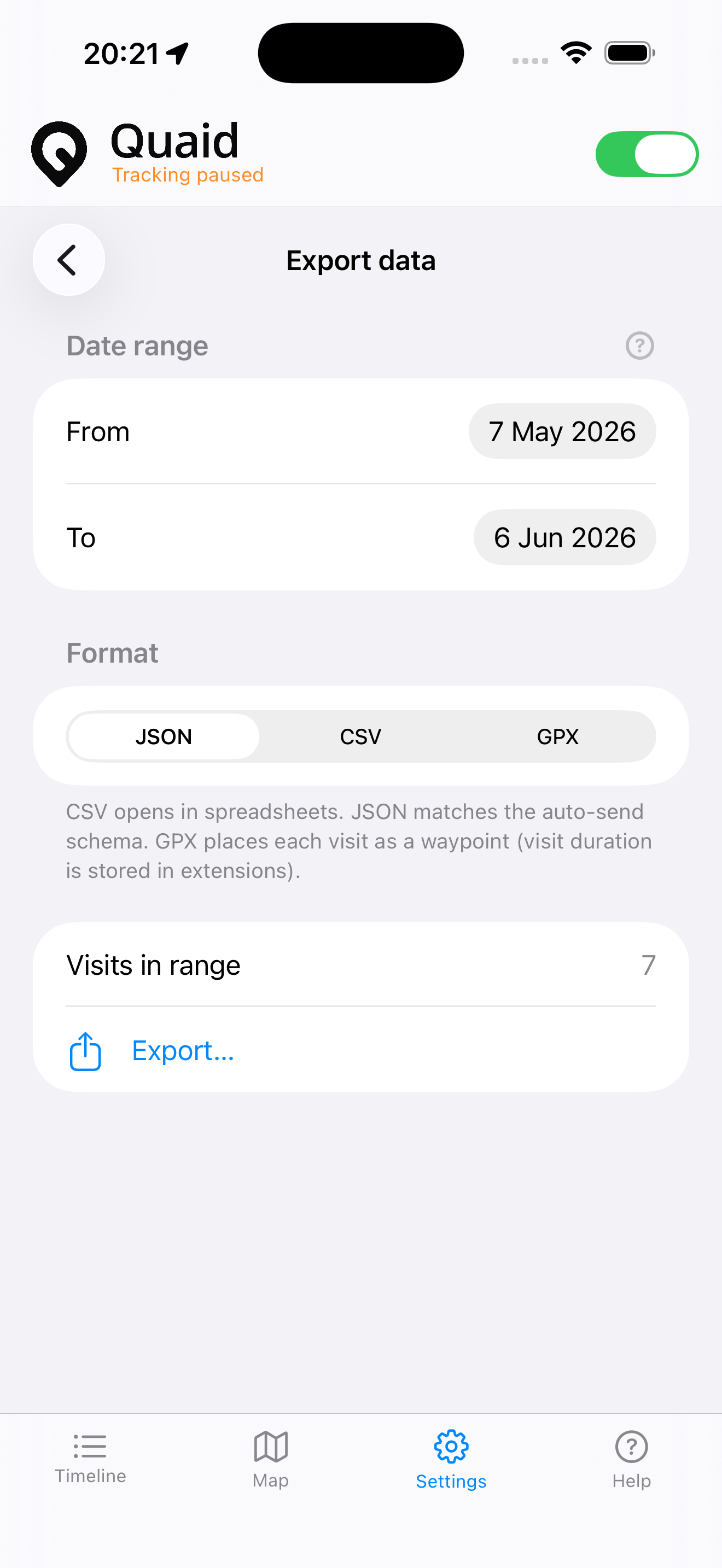
Save a date range as JSON, CSV, or GPX to keep or share. Or set up an optional daily send to a web address you control. Entirely up to you.
Three things to know, then Quaid stays out of your way.
Set Quaid to “Always” so it can record visits in the background. It only ever uses your iPhone’s own detection.
When you arrive somewhere and stay a while, iOS notes the visit. Quaid looks up an address and adds it to your timeline.
Browse the timeline or map, adjust anything that looks off, and export whenever you like. Everything stays on your device.
 Quaid
Quaid